The Problem Small Businesses Face with Google Business Profile Q&A
Imagine you run a small bike shop in a busy neighborhood. A potential customer finds your Google Business Profile while searching for “bike repair near me.” They spot a question asking if you offer same-day repairs, but there’s no answer. Unsure, they move on to another shop that provides clear information. This happens because many small business owners don’t notice or respond to the Q&A section on their Google Business Profile. Missing these questions means losing trust and potential sales.
Responding quickly to questions in your Google Business Profile Q&A can make a difference. It reassures customers and shows Google your business is active. The key is having a simple routine to catch new questions before they pile up. Without that, your Q&A section can hurt your reputation instead of helping it.
What is Google Business Profile Q&A and How It Works
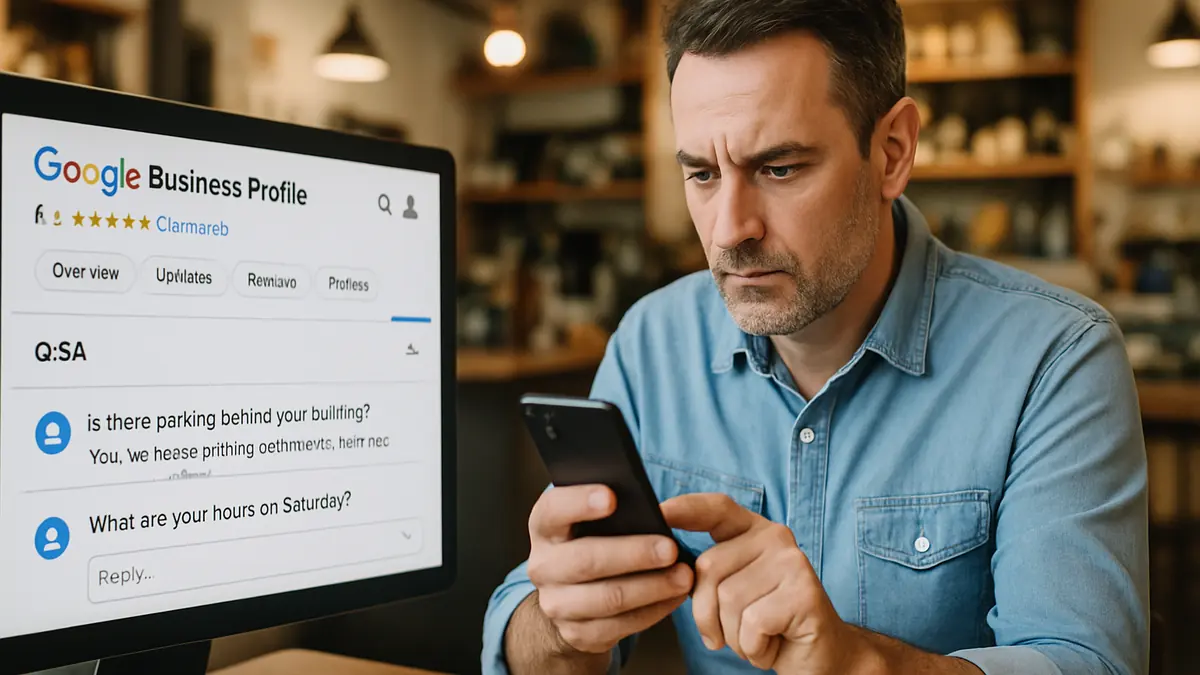
- The Q&A section appears right on your Google Business Profile page, usually below your business address, hours, and reviews. Visitors can easily see and ask questions there.
- Anyone with a Google account can ask or answer questions publicly. This means customers, competitors, or others might add answers, so it’s important you respond quickly to keep control.
- Common questions include practical details like “Is there parking nearby?”, “Are pets allowed inside?”, or “What payment methods do you accept?”
Why Responding Quickly Builds Trust and Helps Your Business
- Quick, honest answers reduce customer hesitation. Instead of guessing or waiting for a callback, they get the information they need to decide right away.
- Clear responses show you care. Avoid vague replies like “Maybe” or “Check our website.” Instead, say “Yes, parking is available on the street in front of the store.”
- Google favors active profiles. Regularly answering questions can improve your local search ranking and help more customers find you.
Simple Workflow to Monitor and Respond to Q&A
- Check your Google Business Profile daily or at least several times a week. Use the Google Business Profile app to get notifications when new questions appear.
- Assign someone—yourself, a manager, or a trusted employee—to answer questions promptly and accurately.
- Set a routine, like reviewing questions every morning and replying within 24 hours. Use calendar reminders or task tools to keep it consistent.
Mistakes to Avoid When Managing Your Q&A Section
- Don’t ignore questions or delay responding. Unanswered questions hurt your credibility and frustrate customers.
- Keep answers simple and direct. Avoid vague or complicated replies that confuse customers.
- Address negative or sensitive questions politely. Offer solutions or invite the customer to contact you privately if needed.
Small Business Example: Using Q&A to Clarify Service Details
Maria owns a local café where customers often asked about allergy-friendly options and outdoor seating. She started posting clear answers like “We offer gluten-free pastries” and “Yes, outdoor seating is available on the patio.” Maria checked her Q&A daily and responded promptly. This cut down on repetitive phone calls and gave visitors confidence before they arrived. Over time, she saw more walk-ins from people who appreciated the upfront answers. This simple habit helped her build a reputation as a transparent, customer-focused business.
Wrap-Up and Next Steps
Checking your Google Business Profile Q&A takes only a few minutes each day but delivers real benefits. Clear, honest answers build trust and improve your local search visibility. Start today by reviewing your current questions and setting reminders to respond quickly. If you want a straightforward checklist or guidance, visit [link to relevant Loyal Fan Loop service or audit].
At Loyal Fan Loop, we work with small businesses to create easy routines that keep your online presence strong. Reach out and let’s help your business connect with local customers more effectively.