
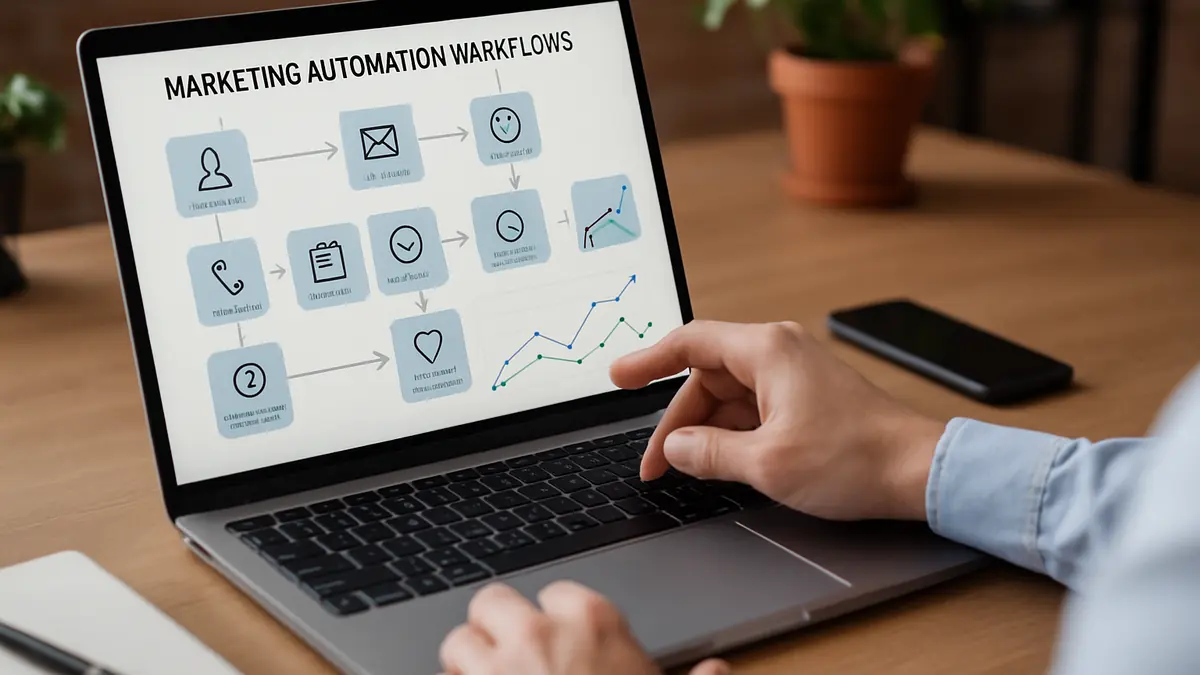
The Marketing Time Trap: Why Small Businesses Struggle
There is a common challenge for local business owners. Routine marketing tasks like welcome emails, appointment reminders, and follow-ups are necessary but time-consuming. Without a simple system, these tasks either pile up or get forgotten. The right system can remove all this stress and wasted time.
Consider Maria who owns a small dental office in suburban Charlotte. Between patient care, scheduling, and billing, marketing often gets pushed aside. She spends hours each week sending appointment reminders and follow-ups, but last-minute cancellations and inconsistent customer contact still cause problems. This takes time away from running her practice and supporting her team.
Our advice: don’t try to automate everything at once. Start with one or two straightforward marketing workflows that save time and keep customers engaged. This makes marketing easier to manage and more reliable.
Five Practical Marketing Automation Workflows That Save Time
- Welcome email sequences that introduce new customers to your business and services
- Appointment reminders to reduce no-shows and cut down on manual calls
- Follow-up messages to thank customers and gather feedback
- Customer re-engagement emails to reconnect with inactive contacts
- Lead nurturing sequences that build trust with prospects over time
How These Workflows Save Time and Build Better Customer Connections
Each workflow automates a routine message you would otherwise send by hand. For example, an appointment reminder can automatically send a text or email 24 hours and again 1 hour before a visit. Once set up, this runs without extra effort from your staff.
Sending timely, relevant messages shows customers you value their time and input. Over time, this builds trust and encourages repeat visits—key for local businesses competing in their communities.
How to Set Up Your First Marketing Automation Workflow
Follow these steps to get started without feeling overwhelmed:
- Pick one workflow that fits your current need. Maria chose appointment reminders to lower no-shows and save staff time.
- Plan a simple sequence. For reminders, send two messages: one 24 hours before and one 1 hour before the appointment.
- Use a tool your team already knows. Start with features in your current email or scheduling software to avoid complexity.
- Test the workflow with a small group. Ask a few customers or coworkers to confirm messages arrive on time and sound clear.
- Review feedback and adjust. Improve timing, tone, or wording before launching to all customers.
Mistakes Small Businesses Make with Automation—and How to Avoid Them
- Trying to automate too much at once. Complex setups confuse teams and lead to missed messages.
- Using generic templates. Messages that don’t match your brand feel impersonal and reduce engagement.
- Skipping testing. Unchecked workflows can send errors or confusing messages to customers.
- Ignoring customer responses. Automation isn’t “set it and forget it.” Personalizing and responding keeps relationships strong.
Keep workflows simple, relevant, and tested. Start small and build confidence before adding more.
Example: How a Local Salon Uses Appointment Reminders and Follow-Ups
Bella’s Beauty Salon faced frequent last-minute cancellations. Staff spent hours daily making reminder calls, which took time away from client care. Bella set up automated texts sent 24 hours and 1 hour before appointments. This cut no-shows and freed staff to focus on customers.
After visits, automated follow-ups thanked clients and invited feedback or future bookings. This kept customers engaged and encouraged repeat visits without extra work.
Why Starting Small Works Better Than Complex Automation
Many small businesses try to automate every marketing task at once. Complex systems take time to learn and manage, which can slow progress instead of saving time.
Starting with one or two simple workflows delivers quick wins and builds trust in automation. It prevents your team from feeling overwhelmed and helps you see what works best for your customers.
Next Steps: Making Marketing Automation Work for Your Business
Choose one workflow that fits your current priorities and set it up simply. Test carefully and adjust based on feedback. When you’re comfortable, add a second workflow to grow your system gradually.
Remember, automation is a tool to save time and stay connected with customers. It’s not a project to finish all at once.
If you want help deciding which workflows fit your business or need support setting them up, contact us for a free consultation. We focus on practical, manageable marketing automation for local businesses.