
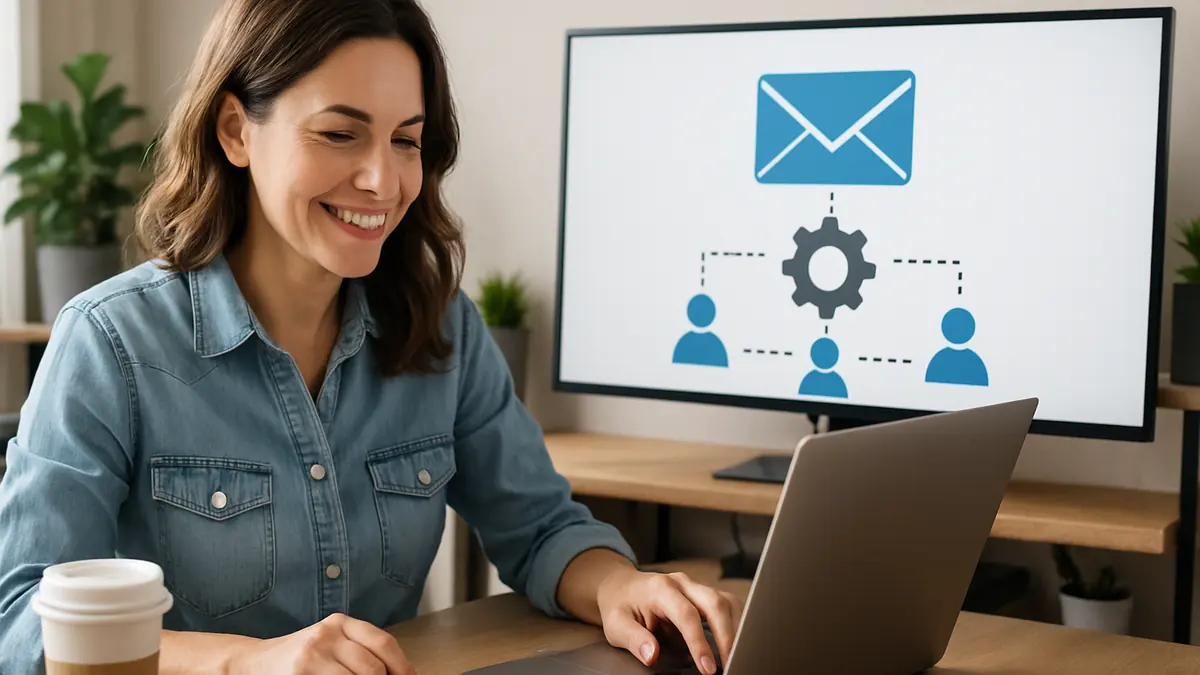
Picture this: You run a small boutique in a suburb of Charlotte, say Pineville. You have collected a few customer emails over time. You want to stay connected, share updates, and encourage repeat visits, but sending emails one by one takes too much time. The idea of setting up email marketing automation feels complicated and expensive. You worry it will require tech skills you don’t have or hours of work to get started.
We hear this from many small business owners. The good news is you don’t need to dive into complex systems right away. Starting with a single automated welcome email using an easy, low-cost tool can save you time and help build customer relationships without the stress.
Why Small Businesses Avoid Email Marketing Automation
Most small business owners hesitate because they think automation means complicated software, long email sequences, and a steep learning curve. They see it as a big time investment or an expensive tool they won’t fully use. Because of this, they often delay or avoid it altogether, missing out on a simple way to stay in touch with customers.
But automation doesn’t have to be all or nothing. Sending one automatic email right after someone signs up can make a real difference. It creates a connection without adding work for you or your team.
What Email Marketing Automation Means for Small Businesses
- Simple definition: Automation uses software to send emails automatically when triggered or scheduled.
- Saves time: It handles routine emails like welcomes or follow-ups without extra effort after setup.
- Example: When a customer signs up, they immediately get a welcome email.
This setup turns a manual task into a reliable system working quietly in the background, keeping your customers engaged and building trust without daily effort.
Choosing Easy, Affordable Tools That Fit Your Business
Look for tools that match your needs without extra features you won’t use. Key things to consider:
- Low cost: Many have free plans or low monthly fees for small email lists.
- Ease of use: Drag-and-drop editors and ready-made templates mean no coding needed.
- Support: Beginner-friendly guides and customer service help you get started smoothly.
Popular options include Mailchimp, Constant Contact, and Sendinblue. For example, a local bookshop we know uses Mailchimp’s free plan to send automated welcome emails without any coding.
Choosing a tool that fits your current level helps you avoid overwhelm and keeps costs manageable.
Step-by-Step Workflow to Launch Your First Automation
- Collect emails: Use a simple signup form on your website or in your store. Offering a small incentive, like 10% off the next purchase, encourages signups.
- Write your welcome email: Keep it clear and friendly. Introduce your business, thank the subscriber, and share useful info or offers that fit your brand.
- Set up the automation: Use your email tool to create an automation that sends this welcome email immediately after signup.
- Test your automation: Send test emails to yourself or a colleague. Confirm the email arrives quickly and looks good on phones and computers.
- Schedule for best timing: Welcome emails usually send right away. If you add follow-ups later, schedule them when your audience is most likely to read emails, such as mid-morning on weekdays.
This straightforward process helps you start email automation without getting bogged down in technical details.
Common Mistakes to Avoid When Starting Email Automation
- Trying to do too much too soon: Begin with one clear welcome email instead of long sequences.
- Skipping testing: Without testing, emails might go out with errors or at the wrong time, reducing engagement.
- Choosing the wrong tool: Avoid platforms that are too complex or costly for your needs.
- Neglecting updates: Regularly review and refresh your welcome email based on customer feedback or changes in your business.
Real-World Example: A Local Coffee Shop’s First Automation
Take “Brew & Bean,” a small coffee shop in the neighborhood. They started by creating one welcome email offering 10% off the next purchase for new subscribers. Using an affordable tool with drag-and-drop templates, the owner set up automation without needing to code.
This saved staff from sending emails manually and brought more repeat customers. The owner found it manageable and saw it as a stepping stone to adding more automated messages later.
Next Steps: Build Confidence and Grow Your Automation Gradually
- Start with one automation and add more only when you feel comfortable.
- Regularly check how your emails perform and listen to customer feedback.
- Keep messages clear and focused on useful content instead of pushing sales in every email.
- Consider downloading a checklist or reaching out for help to stay on track. [link to relevant Loyal Fan Loop service or audit]
Wrapping Up
Email marketing automation doesn’t have to be intimidating or costly. Starting with one simple automated welcome email using beginner-friendly, low-cost tools lets you save time and build stronger customer relationships. Keep it simple, test your setup, and grow at your own pace.
If you’re ready to start but want a clear plan, download our free setup checklist or contact us for a quick consultation. We’ll help you pick the right tools and set up automation that fits your small business without the hassle.


