
Picture this: You own a neighborhood coffee shop. People nearby search on their phones for “coffee near me” or “downtown [city] coffee shop.” But your website is missing your full address or still shows an old phone number. Maybe the site is hard to use on a phone, and you never clearly mention your location. Those local customers end up clicking on your competitors instead. This happens often with small business owners who handle their own websites.
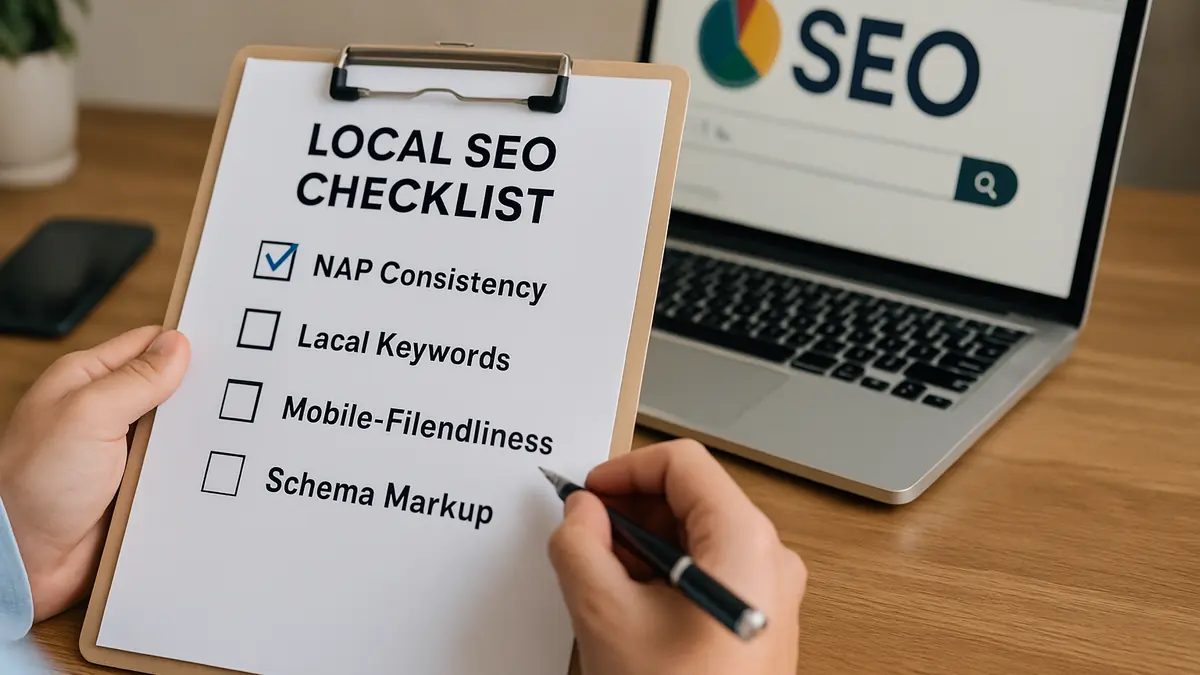
At Loyal Fan Loop, we’ve seen many local businesses miss simple steps that keep them from showing up in local search. The good news is you don’t need to be a tech expert or spend a lot to fix these basics. This local SEO checklist lays out straightforward actions any small business can take to get found by more nearby customers.
Local SEO Challenges Small Businesses Face
Small business websites often miss key details: consistent contact info, relevant local keywords, and easy mobile use. These gaps confuse search engines and frustrate visitors.
For example, if your address or phone number isn’t the same everywhere online, search engines might not trust your business info. If you don’t include local keywords, your site won’t show up when neighbors search for your services. And if your site doesn’t work well on phones, you lose most local search traffic, since people usually search on mobile.
Fixing these basics is the best way to improve your local search presence without needing advanced skills or big budgets.
Why Consistent NAP Is Your Foundation
NAP means Name, Address, and Phone number. These are your business’s main identifiers online. Having the exact same NAP on your website and all listings like Google My Business, Yelp, and Facebook is crucial. Search engines check this info to verify your business location and contact details.
- Use the same format everywhere. For example, don’t write “123 Main Street” on your site but “123 Main St.” on Yelp. Pick one and use it consistently.
- Check for typos or outdated info. If you’ve moved or changed your number, update all listings promptly.
- Keep phone numbers consistent. Use the same area code format, including parentheses or dashes, across all platforms.
For instance, a local coffee shop in Toledo had “456 Elm St.” on their website and “456 Elm Street” on Google My Business. Fixing this small mismatch cleared confusion for search engines and customers.
Using Local Keywords Without Overdoing It
Local keywords combine your location with your service, like “dog walker in [neighborhood]” or “auto repair near me.” Including these helps search engines match your site to nearby searches.
- Think about how your customers search. What words would they use when looking for your service close by?
- Place local keywords naturally in page titles, headers, meta descriptions, and content. For example, a plumber could have a page titled “Emergency Plumbing Services in [City].”
- Avoid overusing keywords. The content should sound natural and helpful, not forced.
One common pitfall is repeating the same phrase too often, which can hurt readability and rankings. Instead, vary your wording while keeping your location and service clear.
Make Sure Your Website Works Well on Mobile
Most local searches happen on smartphones. If your website isn’t mobile-friendly, visitors may leave quickly, and search engines will rank you lower.
- Choose a responsive design that adjusts layout and font sizes for different screen sizes.
- Use free tools like Google’s Mobile-Friendly Test to see how your site performs on phones.
- Keep navigation simple so buttons and menus are easy to tap on small screens.
For example, the Toledo coffee shop switched to a mobile-responsive theme after customers said their menu was hard to read on phones. This simple fix improved both user experience and search rankings.
Add Local Schema Markup
Schema markup is a small piece of code that helps search engines understand your business details better. Local business schema highlights your address, phone number, hours, and more. This can make your listing more useful and eye-catching in search results.
- Adding schema can show maps, review stars, and contact info right in search listings.
- If you don’t want to code, use plugins or online tools that add schema automatically. Many WordPress plugins make this easy.
- Correct schema markup helps your site stand out and makes key info easier for customers to find.
Trying to add schema manually without proper knowledge can cause errors that confuse search engines or hide your info.
Collect and Show Customer Reviews
Reviews affect local SEO and build customer trust. Search engines give preference to businesses with recent, positive reviews. Customers look to reviews when deciding where to buy.
- Ask satisfied customers to leave reviews on Google, Yelp, or industry-specific sites.
- Show positive reviews on your website to build credibility.
- Reply politely to all reviews to show you care about feedback and customer service.
For example, the Toledo coffee shop added a widget on their homepage displaying Google reviews. This gave new visitors quick social proof, encouraging them to visit.
Practical Workflow to Optimize Your Website for Local SEO
Follow these steps to improve your local SEO:
- Audit your NAP info. Check your website and all listings for consistent name, address, and phone number.
- Research local keywords. Use simple tools like Google Autocomplete or ask customers how they search for your services.
- Update your website content. Add consistent NAP and local keywords to titles, headers, meta descriptions, and text.
- Test mobile-friendliness. Use free tools and fix any layout or navigation problems.
- Add local schema markup. Use plugins or online services to add schema without coding.
- Encourage and display customer reviews. Ask customers, show reviews on your site, and reply to feedback.
Common Mistakes to Avoid
- Using different contact details on your website and directory listings.
- Ignoring mobile users by having a site that does not adjust to phones.
- Trying to add schema markup manually without proper tools or guidance.
- Stuffing pages with keywords, resulting in unnatural content.
- Neglecting customer reviews or failing to respond to them.
Small Business Example: Local Coffee Shop
Jane’s Coffee in downtown Toledo improved their local SEO by making their address and phone number consistent on their website, Google My Business, and Yelp. They added phrases like “downtown Toledo coffee shop” naturally in page headers and menus.
Jane’s Coffee used a WordPress plugin to add local schema markup without coding. They also displayed Google reviews on their homepage, helping build trust with new customers. These simple steps made their site easier to find in local searches and better to use on mobile devices.
Next Steps: Keeping Your Local SEO on Track
Local SEO is an ongoing process, not a one-time fix. Use this checklist regularly when updating your website. Check NAP consistency and mobile usability with free tools from time to time. Keep asking customers for reviews and update your content as your business changes.
If you run into technical challenges or want expert advice, don’t hesitate to reach out. We offer a free website review focused on local SEO at Loyal Fan Loop.
Conclusion
Focusing on consistent NAP, clear local keywords, a mobile-friendly site, local schema markup, and customer reviews can noticeably improve your small business’s local search presence. These steps are manageable for small business owners handling their own websites. Start with the basics, stay consistent, and more local customers will find their way to your door.